NV Player
A downloadable NVP for Windows
NV Player Is A Windows Music Player For The Songs You Already Have. It Looks And Feels Like Spotify, But Everything Stays On Your PC. Make An Account, Import Your Songs, Build Playlists, And Press Play.
WHAT IT DOES
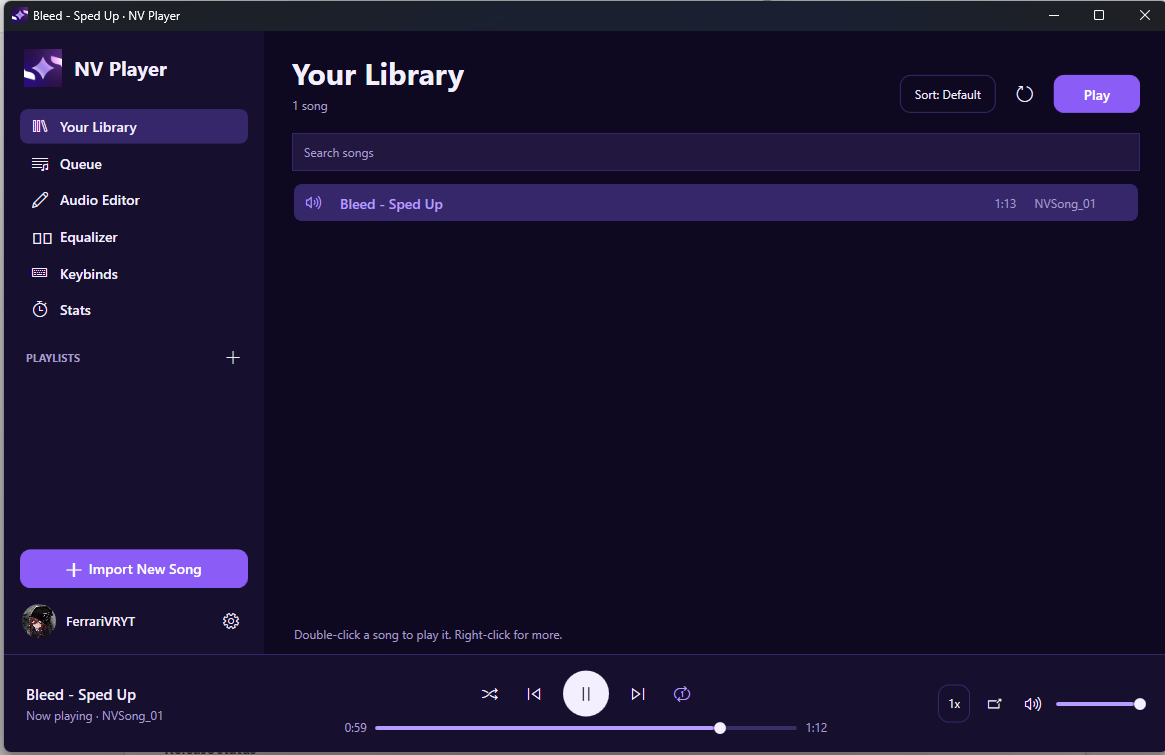
Your Library
- Import .mp3 And .wav Songs And Give Each One A Name
- See Every Song's Length, And Search Or Sort By Title, Newest, Longest, Shortest Or Most Played
- Make Playlists And Drag Songs Up And Down To Reorder Them
- Queue Songs With "Play Next" And "Add To Queue", And Rearrange The Queue By Dragging
SOUND
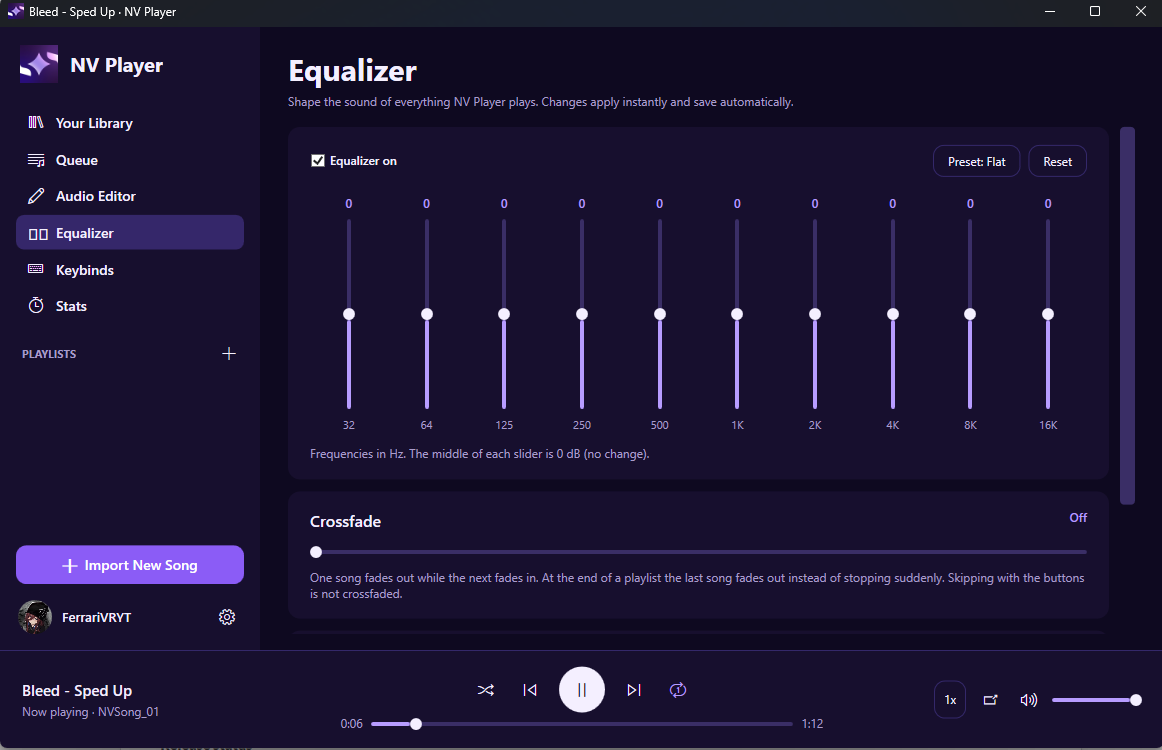
- 10-Band Equalizer With Presets: Bass Boost, Treble Boost, Vocal, Rock, Pop, Electronic, Acoustic And Loudness
- Crossfade Between Songs (0 To 12 Seconds)
- Speed Control From 0.5x To 2x That Keeps The Pitch Natural, So Songs Speed Up Without Sounding Chipmunk-y
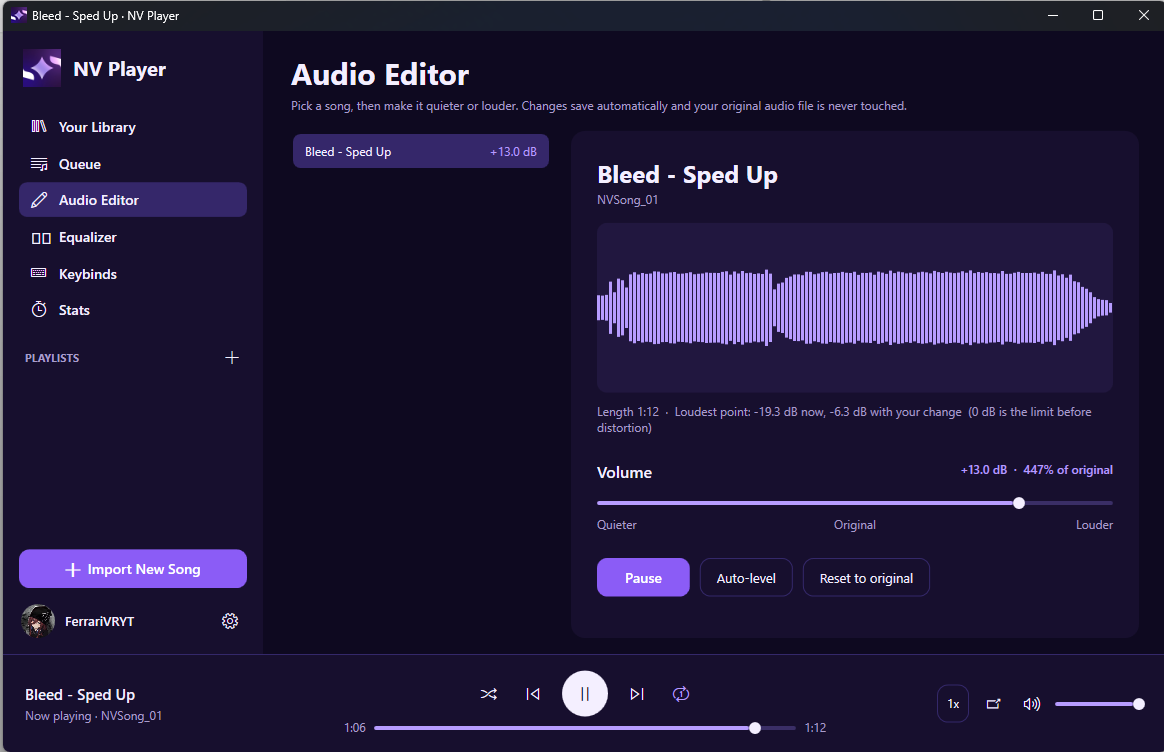
- Audio Editor: Make Any Song Quieter Or Louder (-20 dB To +20 dB) With A Waveform Preview. Your Original File Is Never Changed.
ALWAYS WITHIN REACH
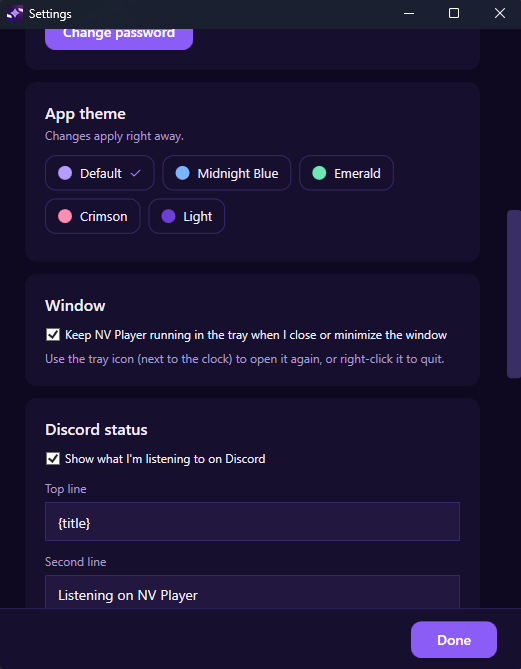
- Minimize To The System Tray, And The Music Keeps Playing
- Mini Player That Stays On Top Of Your Other Windows
- Media Keys And Bluetooth Headset Buttons Work
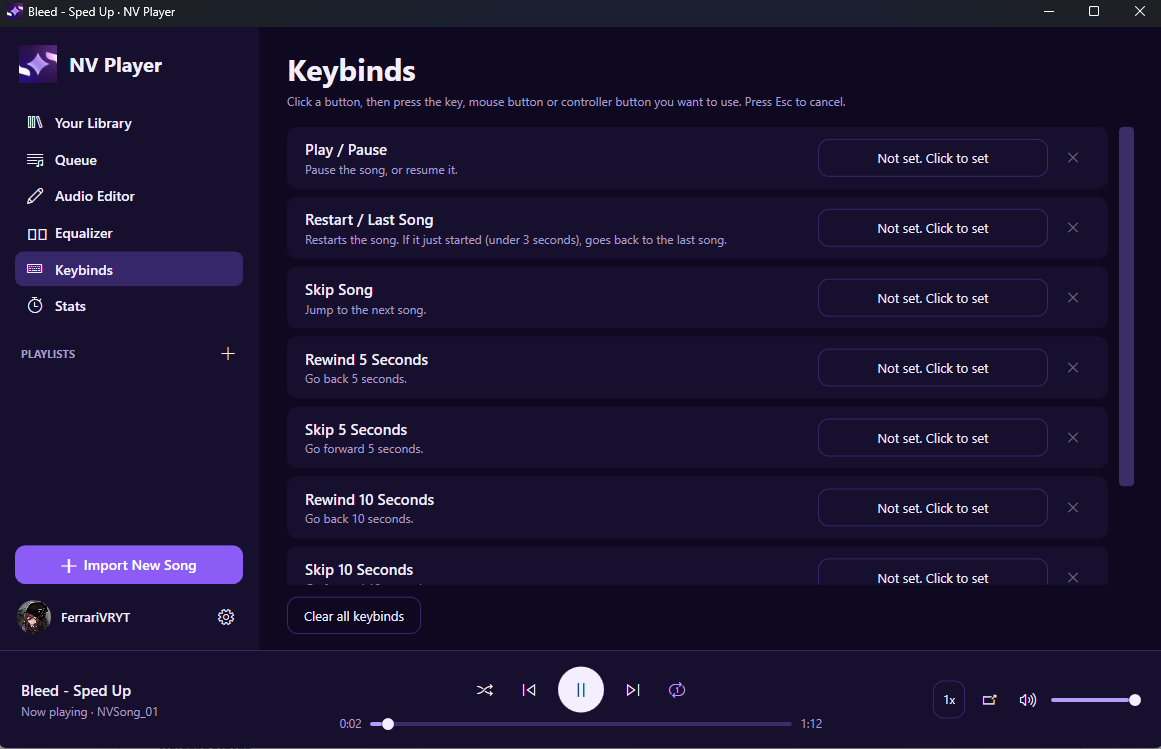
- Custom Keybinds For Play/Pause, Skip, Rewind And More. They Can Be Keyboard Keys, Mouse Buttons Or Controller Buttons, And They Can Work While Another App Is In Front.
- Taskbar Buttons For Previous, Play/Pause And Next
MAKE IT YOURS
- Multiple Accounts, Each With Its Own Playlists And Settings
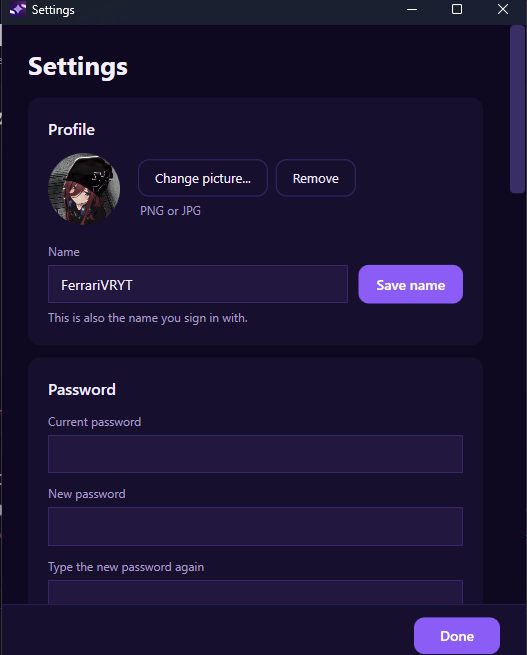
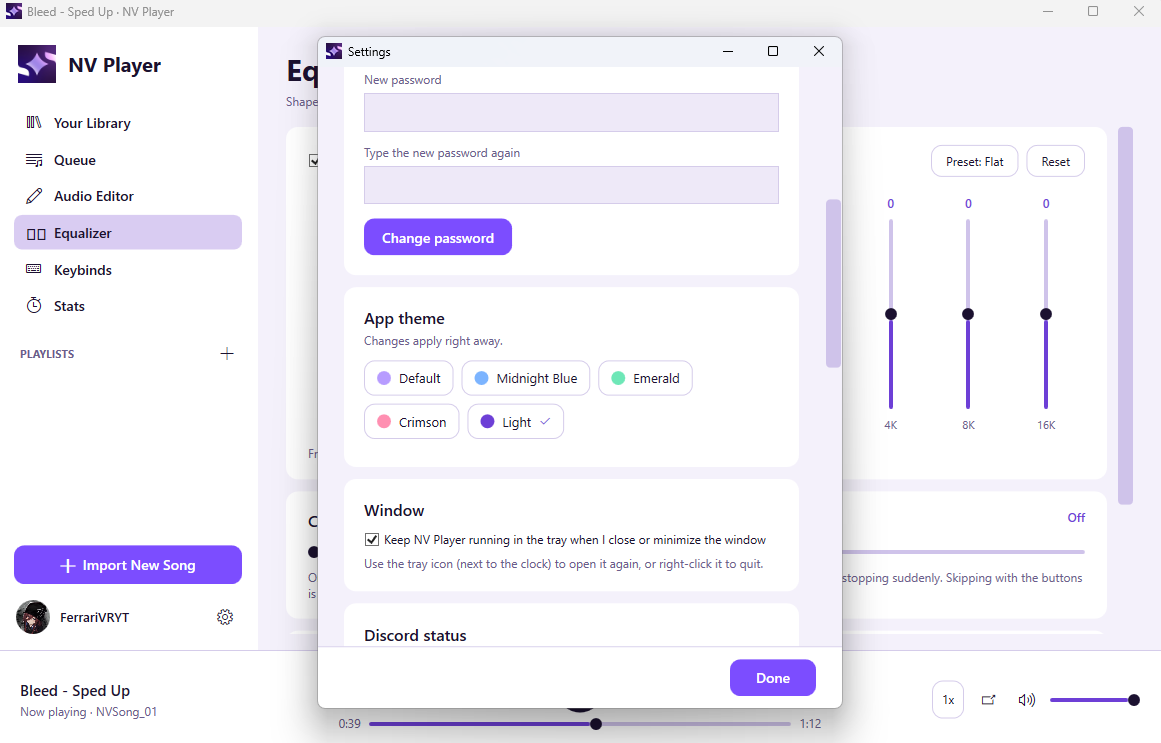
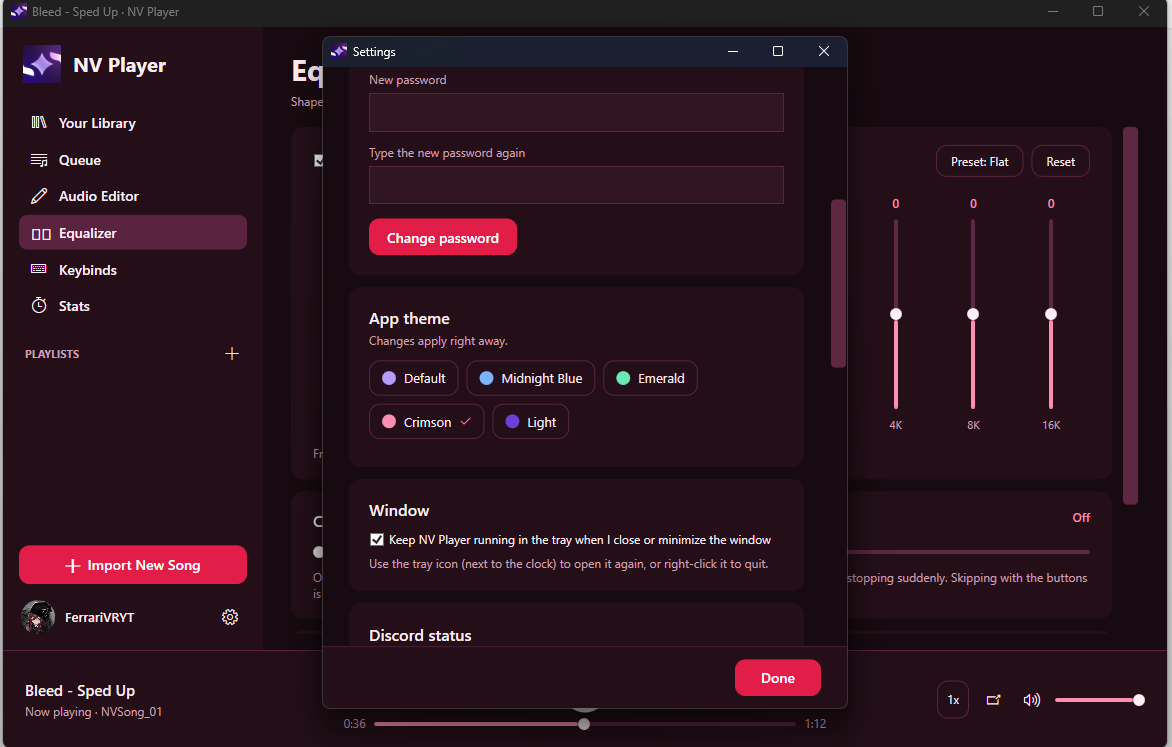
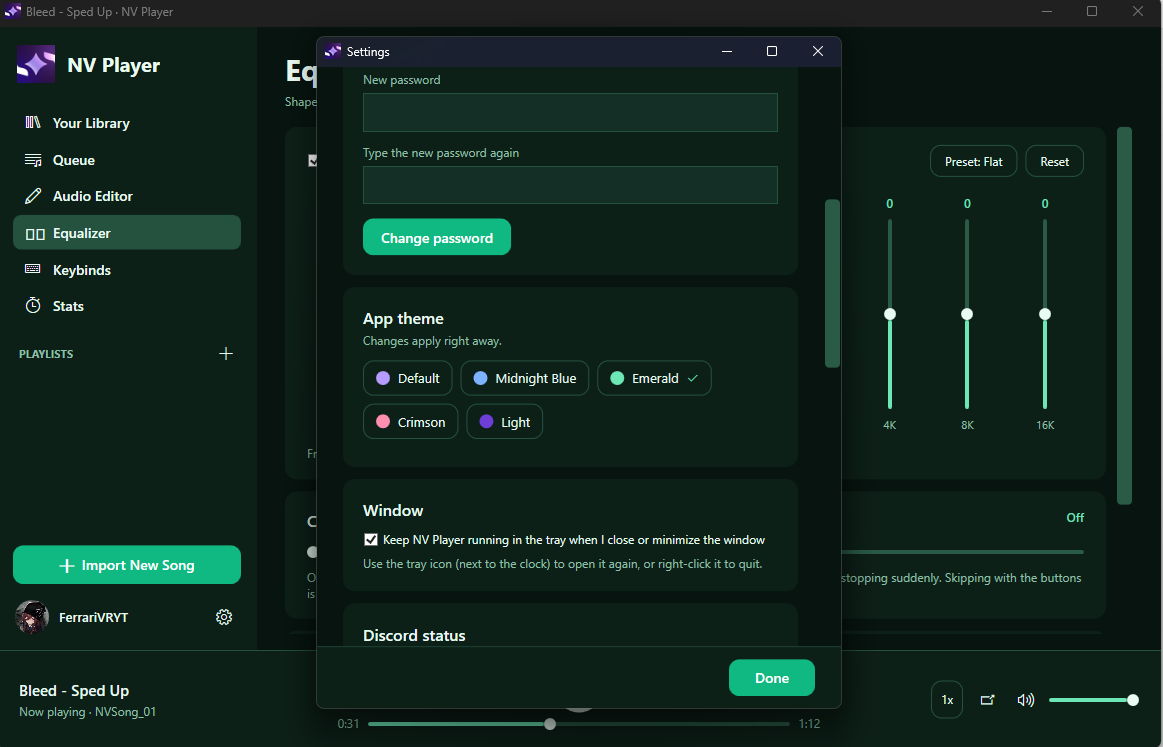
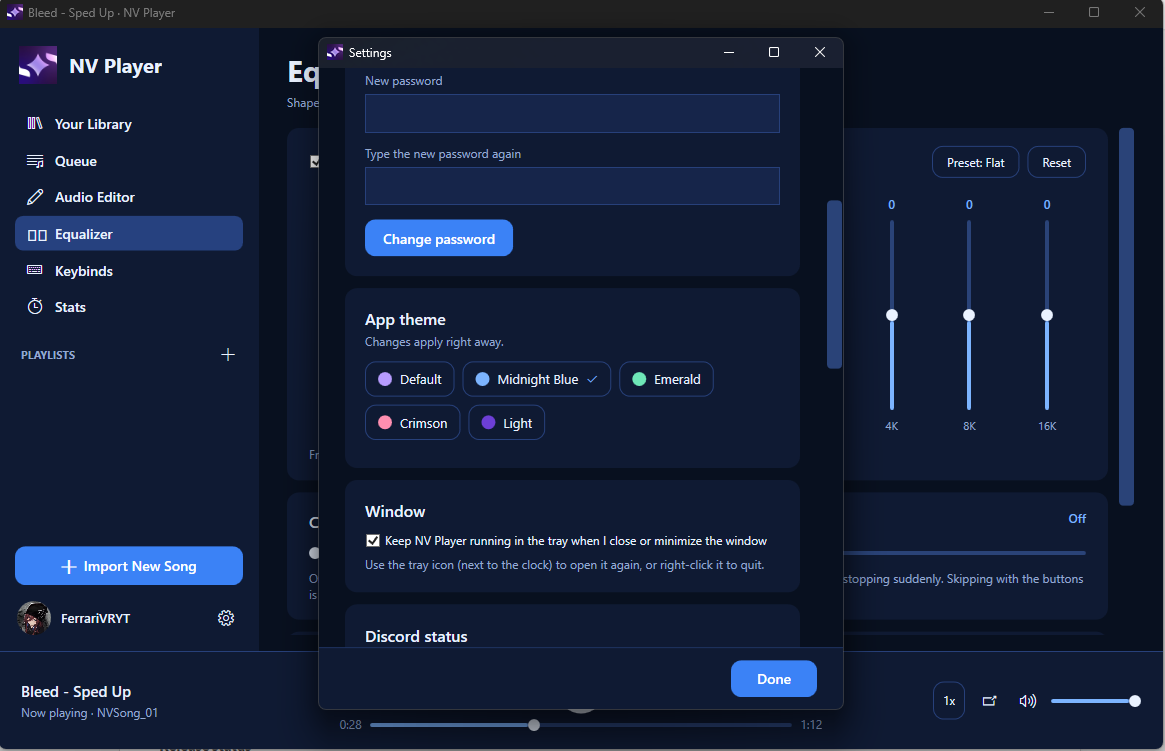
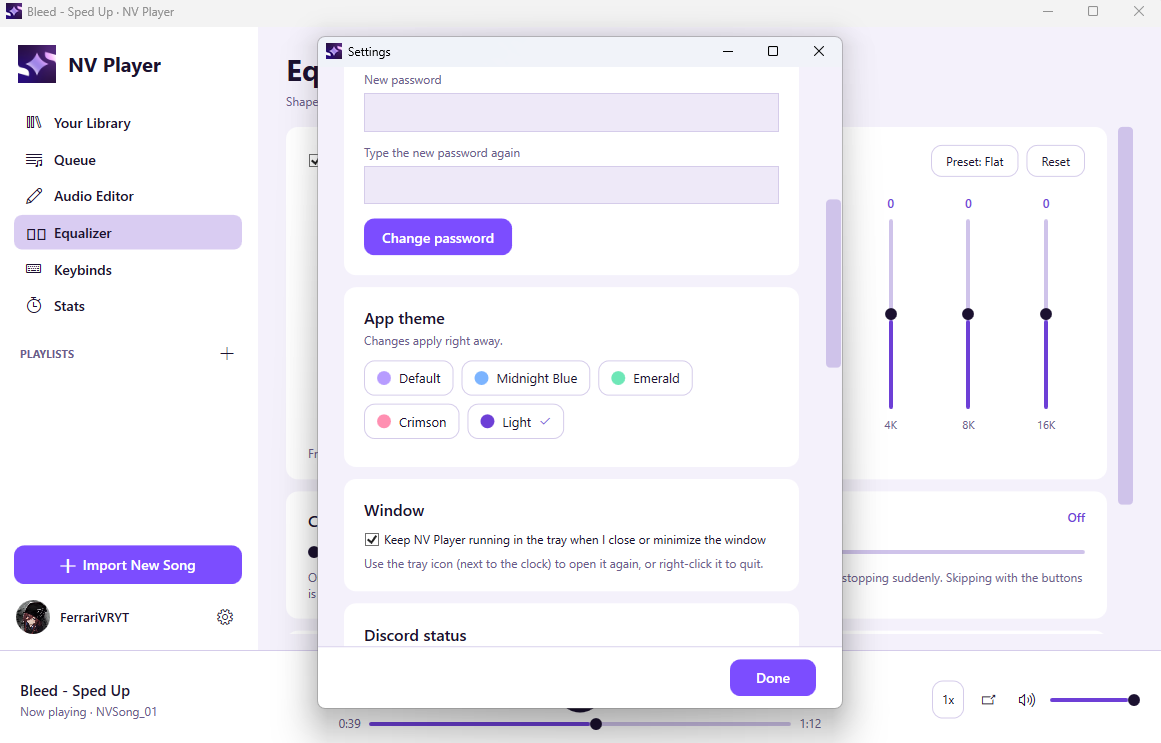
- Profile Picture And 5 Themes: Default, Midnight Blue, Emerald, Crimson And Light
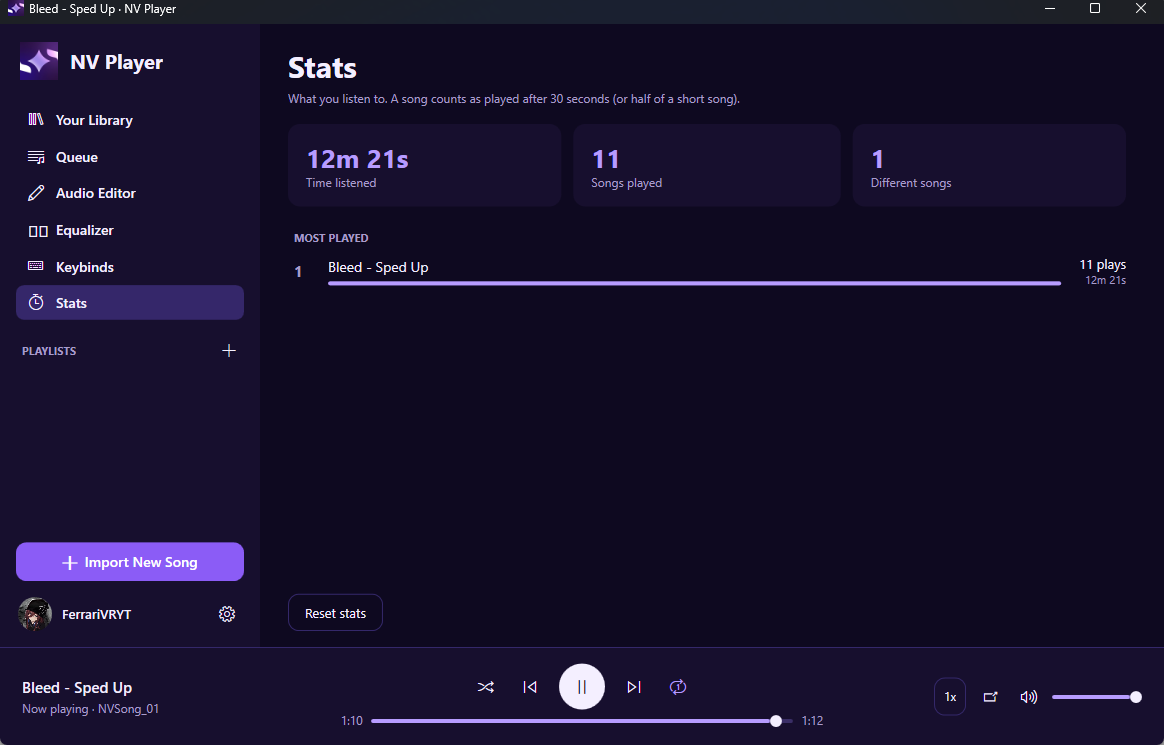
- Stats Page With Your Most Played Songs And Time Listened
- Backup And Restore Everything In One File, With Or Without Your Songs
DISCORD
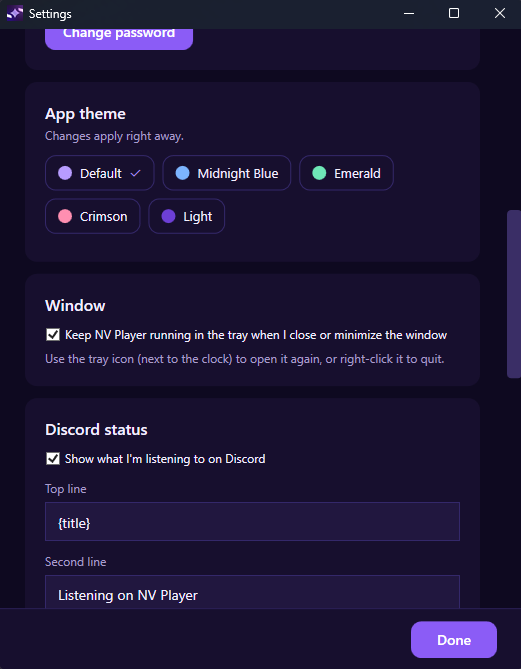
- Rich Presence Shows What You're Listening To
- You Choose What The Two Status Lines Say, Whether The Time Bar Shows, And Whether It Stays Up While Paused
- Optional Download Button On Your Status That Links To The NV Player Page
INSTALL
1. Download NVPlayer.exe
2. Run It. There Is No Installer, And You Can Keep It Anywhere.
3. Create An Account And Pick (Or Let It Create) Your NVPlayerSongs Folder
RECOMMENDED MINIMUM REQUIREMENTS
- OS: Windows 10 (Version 2004, May 2020 Update, Or Newer) Or Windows 11, 64-Bit (REQUIRED)
- CPU: Dual-Core 2.0 GHz Processor (Intel Core i3 Or AMD Ryzen 3 Class Or Better)
- RAM: 4 GB
- Graphics: Any GPU With DirectX 9 Support (Integrated Graphics Is Fine)
- Storage: 100 MB Free Space, Plus Room For Your Songs
- Display: 1280x720
- Audio: Any Windows Sound Device
- Network: Not Required (Only Used For The Optional Discord Status And For Letting You Know About Being In A Out-Dated Version!)
RECOMMENDED REQUIREMENTS
- OS: Windows 11, 64-Bit
- CPU: Quad-Core 3.0 GHz Processor Or Better
- RAM: 8 GB
- Storage: SSD, For Faster Song Loading
- Display: 1920x1080
NOTES
- NV Player Only Plays Files You Add Yourself. It Doesn't Stream Music Or Download Songs.
- Windows May Show A "Windows Protected Your PC" Screen The First Time You Run It, Because The App Isn't Code-Signed. Click More Info, Then Run Anyway.
- Your Data Is Stored On Your Own PC In %AppData%\NVPlayer.
Made By FerrariVRYT. Found A Bug? Leave A Comment On The Page And I'll Take A Look.
EXTRA INFORMATION:
Version: v1.8.2
Release Date: 10/13/2026
NV Player Was Designed And Tested By FerrariVRYT, And Built With The Help Of Claude Sonnet 5.5.
Is Is Recommended You Use Our File Converter "Reformat" As It Provides High Quality And Fast Conversion For Completely Free With No Limits!
Download
Leave a comment
Log in with itch.io to leave a comment.